
Search for answers or browse our help center.
How to replace reed switch and cable
There are two strategies for replacing the cord for the reed switch.
1. Replace the connector that plugs into the Xenus drive which has both the patient switch and the reed switch.
Pros – connections already intact, plug-and-play
Cons – cable to patient switch jack will need to be routed same as current cable which involves carefully cutting wire ties and then replacing them. The jack is replaced by removing the nut from the outside of the enclosure.
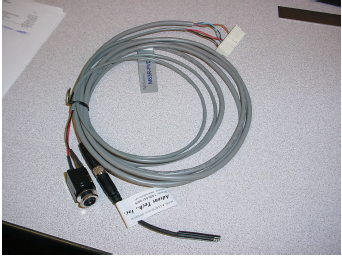
2. Replace the connector but removing the patient switch from the connector. Pros – saves the routing of the patient stop cable and installing the jack.
Cons – careful to remove the red & black wire patient switch wires from the original and new connector and careful to insert the original red & black in the correct two terminals of the new connector.
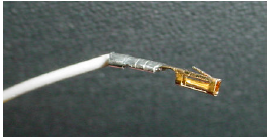
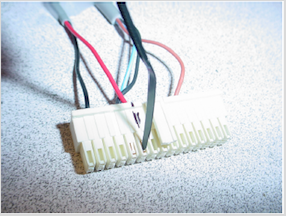
The red and black wire can be removed by using the end of a wire tie to gently push the tab on the side to release it from the connector.